Use Case
Codex + Ornold
Use Codex with Ornold for authorized QA, internal operations, and repeatable browser workflows.
Get Started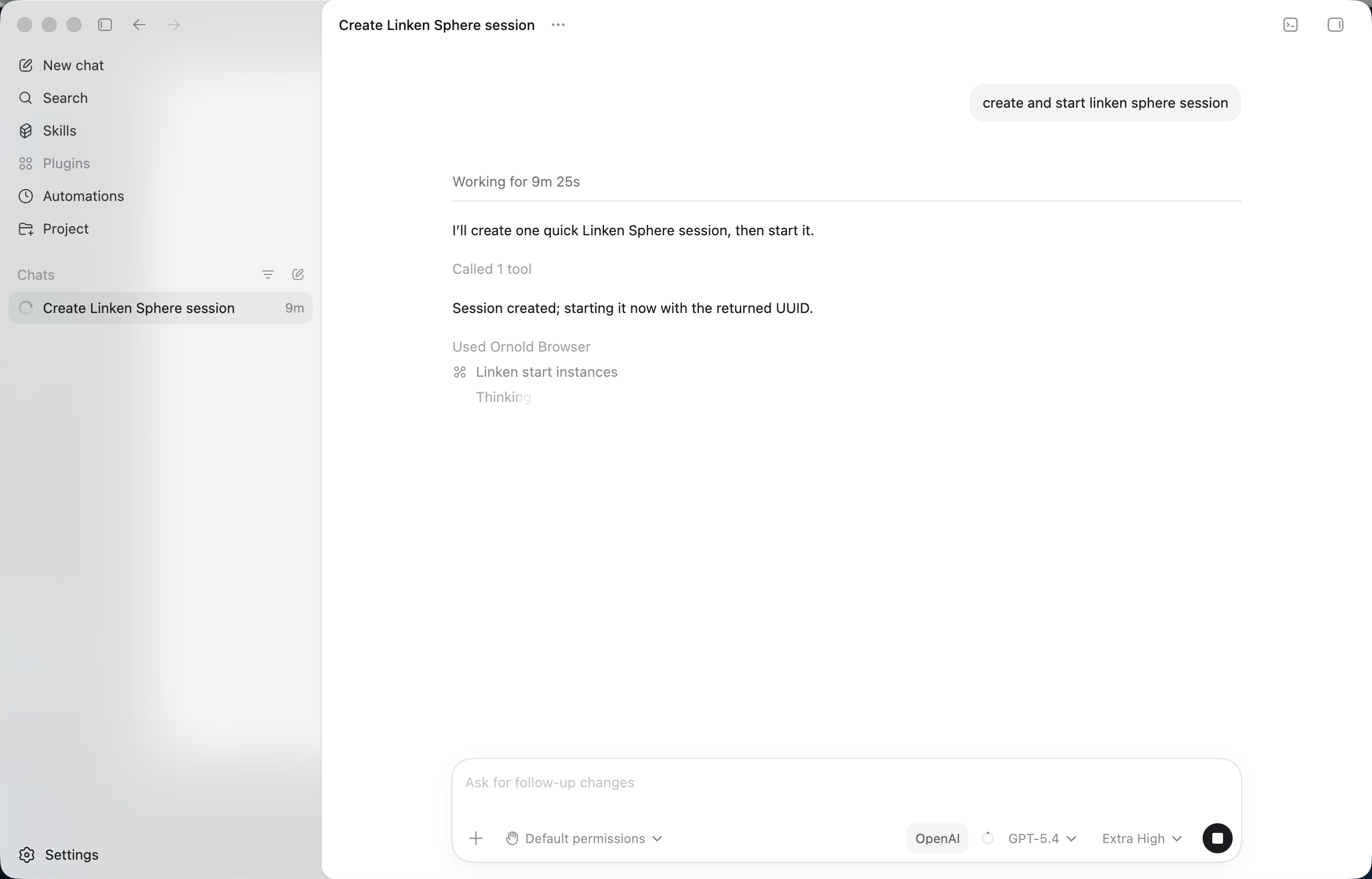
Install with one prompt
Open Codex chat, paste this prompt, replace YOUR_TOKEN with your token from mcp.ornold.com, and send. Codex handles the rest.
Why Codex for authorized browser automation?
Codex plans the workflow and calls Ornold's typed MCP tools. Teams get live browser state, execution logs, and manual approval for sensitive steps.
Key Features
Direct MCP tool access
Navigate, inspect page state, fill test forms, and run JavaScript through typed browser tools.Vision and DOM modes
Use visual analysis for changing interfaces or structured references for predictable pages.Logs and recovery
Preserve execution state and retry only authorized sessions that need attention.Real-World Use Cases
Web application QA
Test interfaces your organization owns or is authorized to operate.
Connect test profiles
Open the test environment
Run the validation flow
Record results
Internal workflows
Automate repeatable operations inside approved internal tools.
Describe the approved task
Verify target profiles
Run steps with logging
Confirm final state
Frequently asked questions
How does Codex connect to Ornold?Add the Ornold MCP server to your Codex config with `npx ornold-mcp` and your API token. Connect browser profiles you are authorized to manage. Codex can then call the available browser tools directly.
What is Codex best for with Ornold?Codex plans the workflow and calls Ornold's typed MCP tools. Teams get live browser state, execution logs, and manual approval for sensitive steps.
Can Codex run multiple browser profiles in parallel?Yes. Codex handles planning and control, while Ornold executes actions across many connected browser profiles in parallel with shared context and recovery.